
Logos & Marks
Primary Logos
CU University of Colorado Colorado Springs Logo

The CU UCCS logo is the cornerstone of the UCCS brand and serves as a key identifier of official university communications. It connects our campus to the broader University of Colorado System while maintaining our distinct identity.
The logo includes two elements: the logomark and the wordmark. Always use the approved artwork and never recreate, alter, or reposition these elements. Together, they reinforce our connection to the CU System and support a cohesive, recognizable brand.
UCCS University of Colorado Colorado Springs Logo
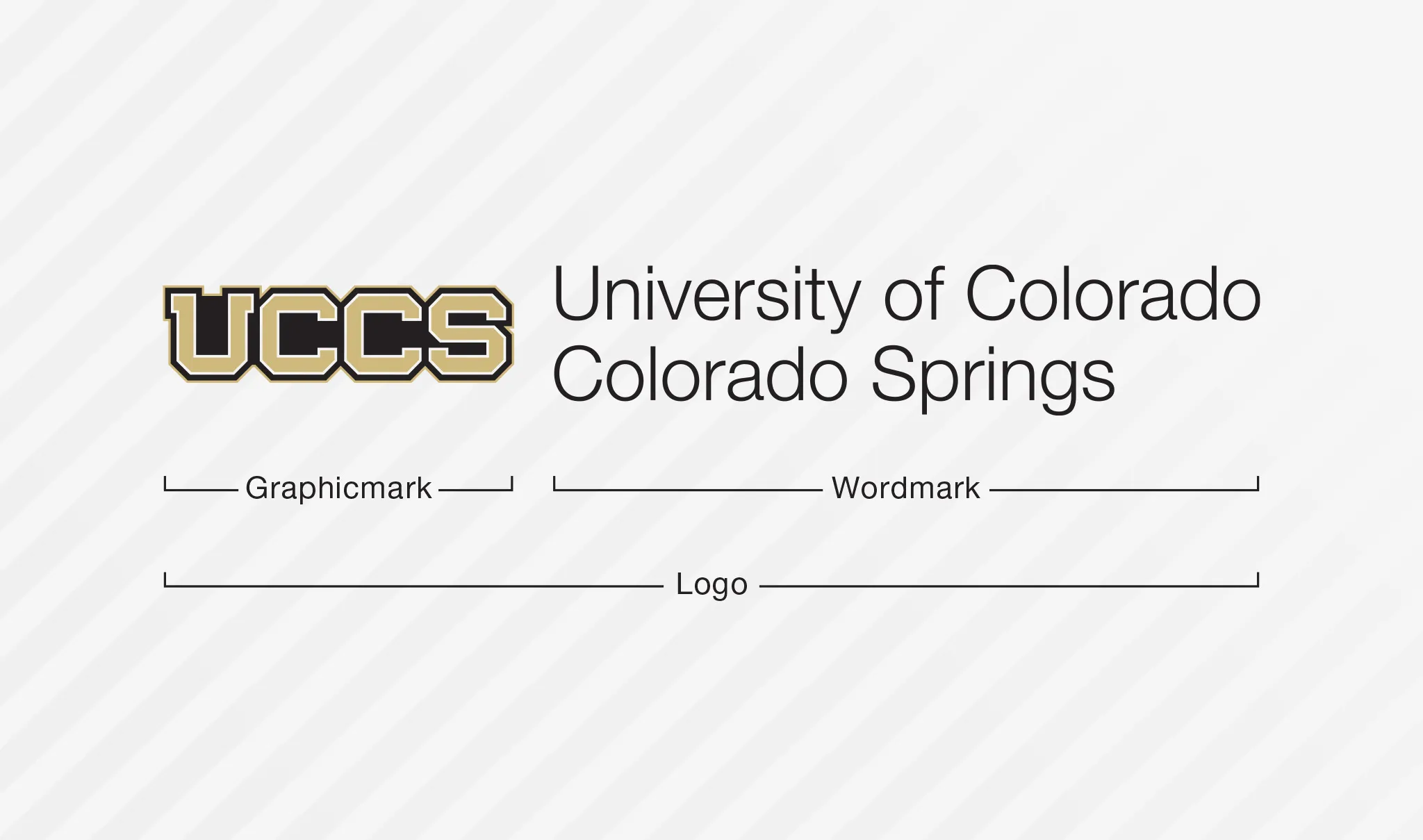
For unofficial university business, the UCCS logo may continue to be used where appropriate. However, campus partners are encouraged to use the CU UCCS logo whenever possible to support a more consistent visual identity and strengthen recognition of our connection to the University of Colorado System. Increased use of the CU UCCS logo helps build a unified brand across university communications and experiences.
Basic Logo Usage
UCCS logo standards are detailed in the UCCS Brand Identity Standards. These basic guidelines illustrate usage and placement of the UCCS logo and unit signature extensions.
Clear Space & Minimum Size
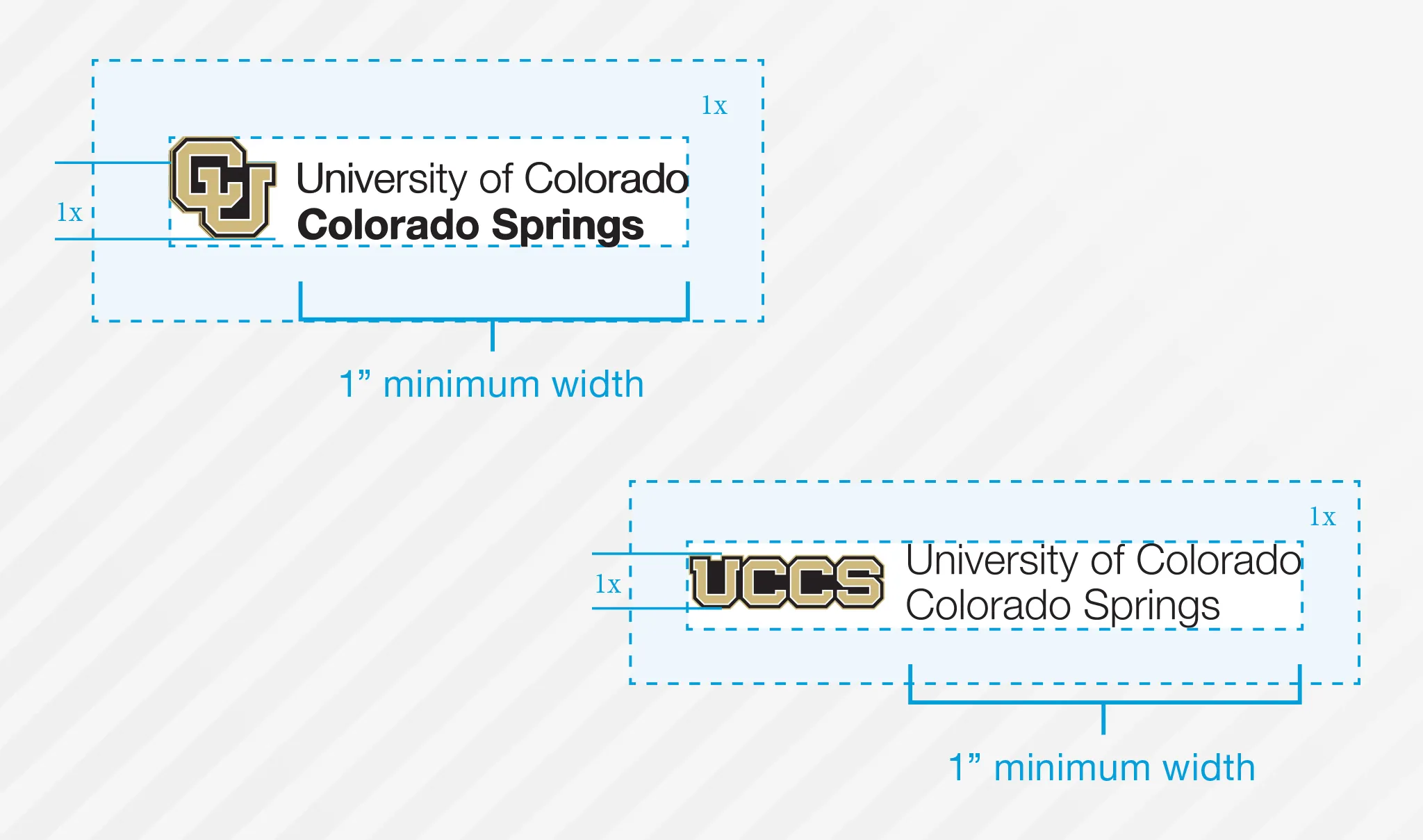
Placing other graphic elements too close to the logo diminishes its importance.
When placing the CU UCCS logo, please maintain a minimum clear space around the logo equal to the height of the “U” in the logomark.
When placing the UCCS logo, please maintain a minimum clear space around the logo equal to the equal to the height of
the graphicmark.
Placement & Sizing
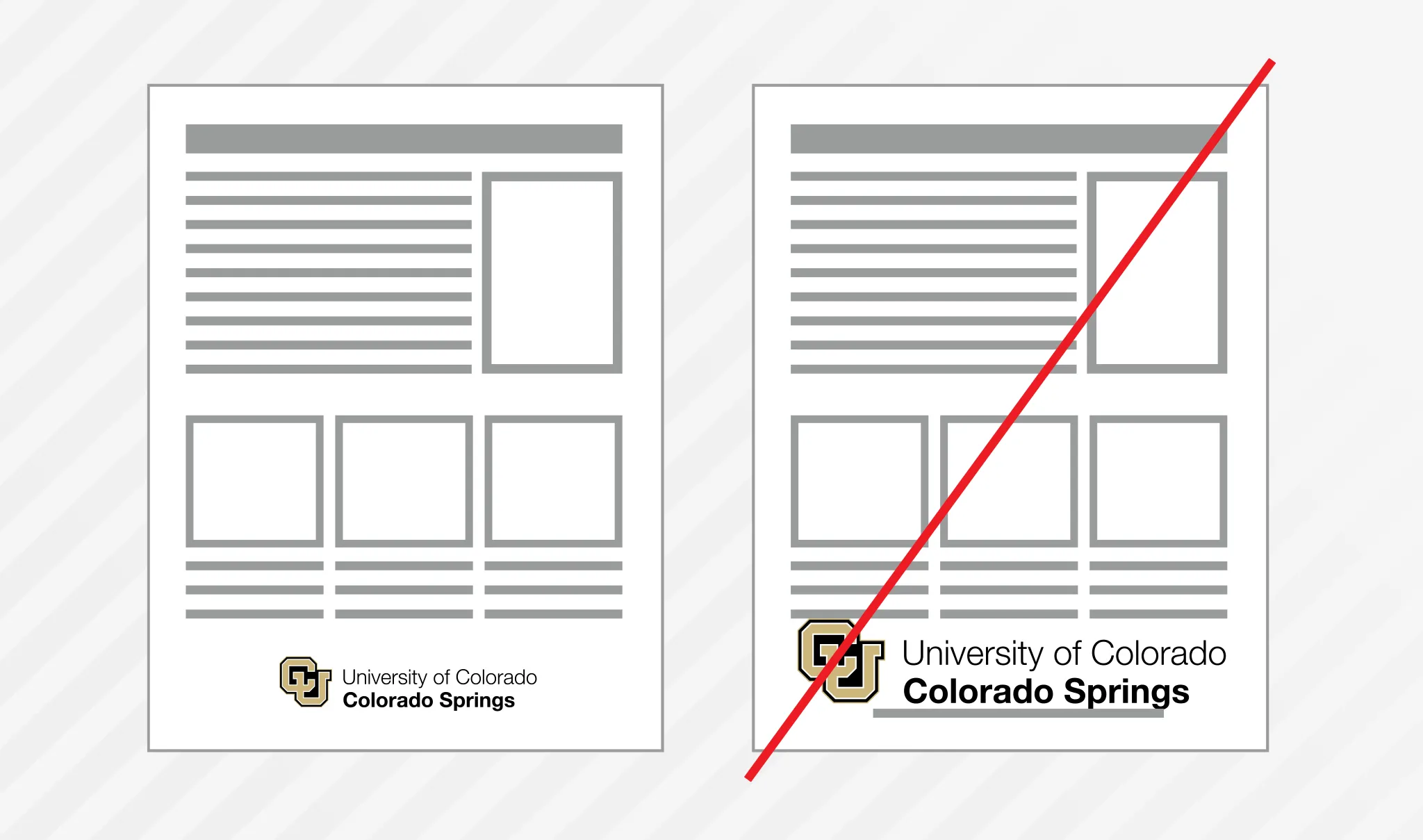
The CU UCCS and UCCS logos mark materials as "officially from UCCS." In general it's best to consider the logo to be like a signature, signing the document as official. When possible, separate the logo from other content.
Do not crowd the logo or treat it like a headline; prefer it smaller with more clear space, to give the logo appropriate presence and esteem.
File Types

EPS & SVG (Vector)
Best for professional printing and large-format graphics. Vector files can be scaled to any size without losing quality and include transparent backgrounds. Use EPS for print and SVG for websites and digital applications.
PNG (Raster)
Best for websites, presentations, and Microsoft Office applications. PNG files support transparent backgrounds but cannot be enlarged without losing quality. They are not recommended for professional printing or large-format graphics.
Download Logos
All packages include EPS, SVG and PNG versions of the main logos.